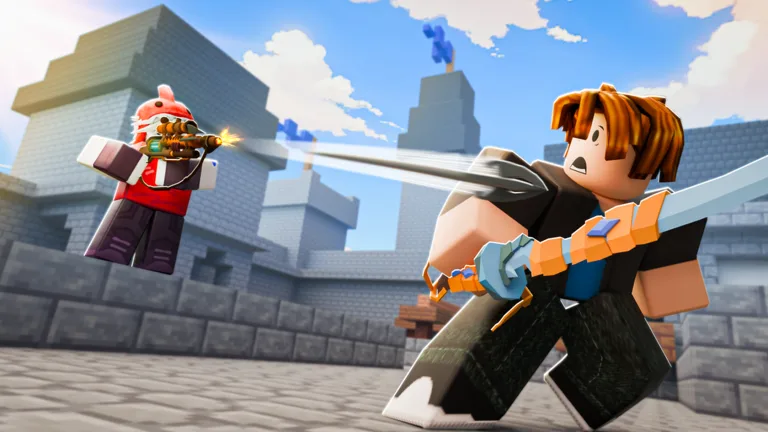
Can You Play BedWars on a Lenovo Flex 3 Chromebook 11m836?
Learn if your Lenovo Flex 3 Chromebook 11m836 can handle BedWars on Roblox. We break down compatibility, performance expectations, and setup tips.
Published: BedWars Wiki Editorial Team
Table of Contents
Playing BedWars on Lenovo Flex 3 Chromebook
If you are wondering whether you can dive into BedWars (by Easy.gg) on your Lenovo Flex 3 Chromebook 11m836, the answer is yes. Since the device supports Google Play Store applications, you can install the Roblox client directly onto your system.
According to community reports, users of this specific Chromebook model have successfully played Roblox titles. However, because this Chromebook uses the MediaTek MT8183 processor and 4GB of RAM, it is important to manage your expectations regarding performance. It is designed for general productivity rather than intensive 3D gaming, so you may notice frame rate fluctuations during fast-paced combat or in crowded lobbies.
Optimizing Your BedWars Experience
To get the most out of your hardware, you should focus on optimizing both your system and the game settings. Since BedWars is a fast-paced fighting game, having a stable environment is key to protecting your bed and gathering resources effectively.
Adjust Graphics: Inside the Roblox menu while in-game, navigate to the settings tab. Lowering the "Graphics Quality" to manual and setting it to a lower level can significantly improve your frame rate (FPS).
Background Processes: Close any unnecessary browser tabs or background apps before launching Roblox. This frees up your limited 4GB of RAM, allowing the device to dedicate more resources to the game.
Control Customization: The Lenovo Flex 3 features a touch screen, but for competitive play, you may prefer using a mouse and keyboard. The game allows for customizable keybinds, which you can adjust in the settings menu to match your preferred playstyle.
Tip
Performance Tip: If you experience significant lag, check your ping. While the average ping for this game is around 83ms, network stability plays a huge role in combat. Using a wired connection or being closer to your router can help reduce input delay.
Understanding Hardware Limitations
It is important to understand that not all Roblox games are fully optimized for Chrome OS. While the core mechanics of BedWars—such as gathering resources, purchasing upgrades, and defending your bed—should function, you might encounter occasional stuttering during intense team fights.
If you are finding that the game is unplayable, ensure your Chrome OS is fully updated to the latest version. The Lenovo Flex 3 is a great entry-level device, but it is limited by its hardware architecture. If you find the experience frustrating, focus on playing in smaller game modes or servers with fewer players to keep the load on your processor manageable.
FAQ: Common Concerns
Is a dedicated graphics card required for BedWars?
No, BedWars is a browser/app-based game on the Roblox platform. It relies on the integrated graphics of your processor. The Lenovo Flex 3’s integrated components are sufficient to launch the game, though they are not intended for high-fidelity gaming.
Can I use a controller with my Chromebook?
Yes, most Chromebooks support standard USB or Bluetooth controllers. If you find the keyboard controls difficult on your laptop, connecting a controller may provide a more comfortable experience for movement and combat.
Why does the game feel "choppy"?
"Choppiness" is usually caused by low frame rates or high ping. Since your device has limited RAM, it may struggle to keep up with the game's physics during complex moments. Lowering your in-game graphics settings is the most effective way to address this issue.