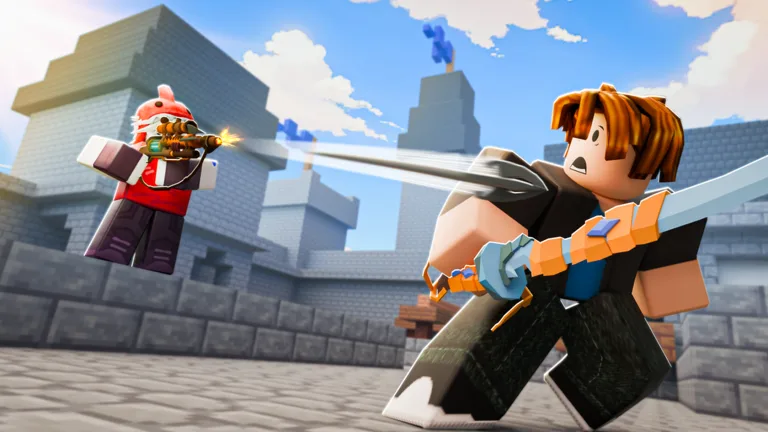
How to Drop Items in Roblox BedWars: PC and Controller Guide
Learn how to drop items in Roblox BedWars for PC and console. Discover the specific keybinds and controller methods to manage your inventory effectively.
Published: BedWars Wiki Editorial Team
Video Guide
FULL CONTROLLER GUIDE 🎮 | Roblox Bedwars!Table of Contents
How to Drop Items in BedWars
If you are playing BedWars on a PC, dropping items is a straightforward process. The game features a specific hotkey designed for this action. To drop an item or block, simply select the item in your hotbar (using keys 1–9) and press the H key on your keyboard. The item will be dropped from your inventory onto the ground, where you or your teammates can pick it up.
This feature is particularly useful when you need to share resources like iron, diamonds, or spare gear with your team. Always double-check your hotbar selection before pressing the key to ensure you don't accidentally discard a valuable weapon or tool during a heated match.
Managing Items on Controller
For players using a console controller (PlayStation or Xbox), the mechanics for inventory management differ significantly from the PC version. According to community experience and current game controls, there is no dedicated "drop" button assigned to controller inputs.
If you find yourself needing to clear space or manage your inventory, you must open your inventory menu by pressing Y (Xbox) or Triangle (PlayStation). From there, you can navigate your items using the D-pad to rearrange or manage your loadout. Because there is no one-touch drop key, players are encouraged to be mindful of what they purchase and pick up during gameplay.
Tips for Efficient Inventory Management
Mastering your inventory is a core part of becoming a better player in BedWars. Whether you are on PC or console, keeping your hotbar organized can make the difference between winning and losing a fight.
Organize Your Hotbar: Use the inventory menu to place your most essential items—such as your sword, pickaxe, and blocks—in slots that are easy to reach quickly.
Stay Alert: Never open your inventory in the middle of an open field. Always retreat to a safe, covered area or your team's base before stopping to manage your items.
Team Coordination: If you are playing with friends, use the chat or voice communication to coordinate who needs specific resources, so you don't drop items unnecessarily.
FAQ
Can I rebind the drop key on PC?
Yes, BedWars allows players to rebind controls through the in-game settings menu. If you find the default H key uncomfortable, you can navigate to your settings to customize it to a key that better fits your playstyle.
Why can't I drop items on my console?
The current controller layout for BedWars is optimized for movement, combat, and interaction (like opening chests or the shop). Dropping items is not currently supported as a quick-action button on controllers, likely to prevent accidental item loss during intense PVP encounters.