
Team PvP, bed defense and island battles on Roblox
BedWars Wiki
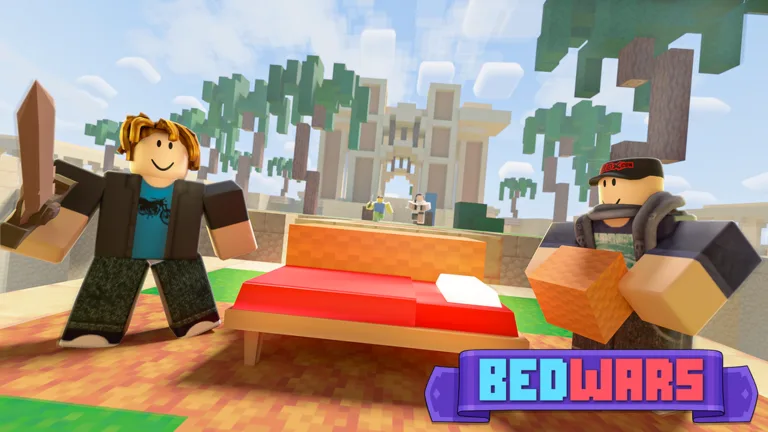
Defend your bed and raid rival islands in a fast-paced Roblox team battler. Gather resources, coordinate attacks and give your team the edge in every match.
- Launched May 2021
- Updated Oct 6, 2026 UTC
- 18,911 Players Online
- 11.75B+ Visits
- 10+ Game Modes
Popular Pages
Trending Now
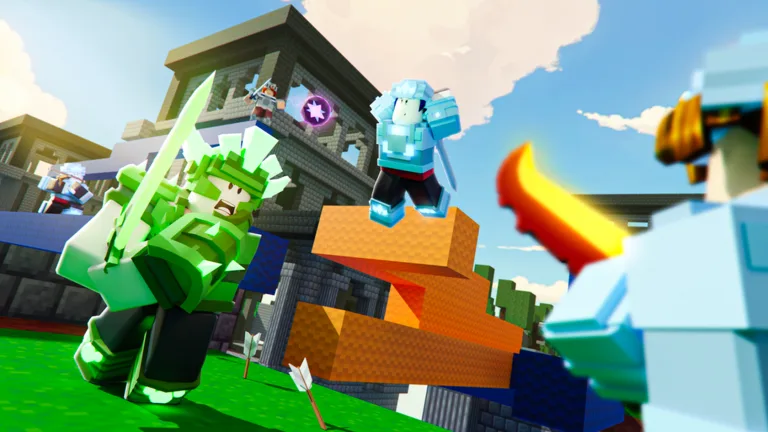
How to Drop Items
Learn how to drop items in Roblox BedWars for PC and console. Discover the specific keybinds and controller methods to manage your inventory effectively.
Read more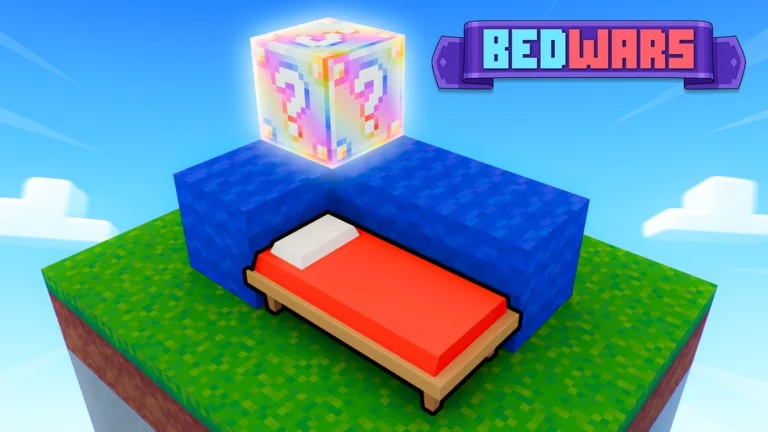
Custom Match Commands
Master Roblox BedWars custom matches with our complete guide to commands. Learn to spawn items, adjust game rules, and manage players like a pro host.
Read more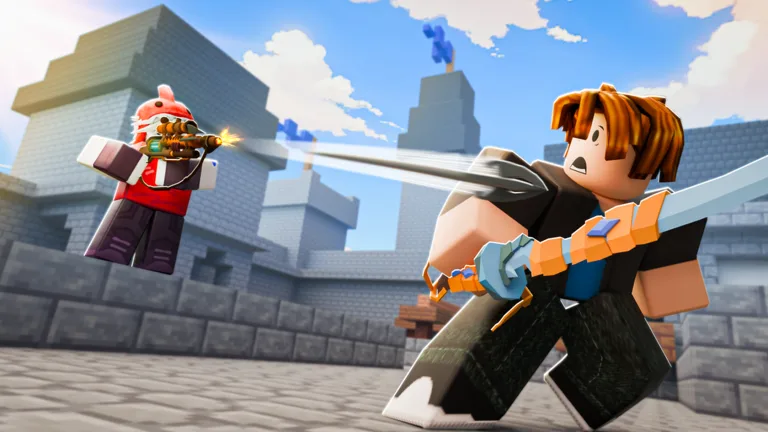
Kit Fusion Combos
Discover the most effective kit fusion combinations in Roblox BedWars to dominate your matches, from aggressive rush setups to powerful defensive synergies.
Read moreLucky Block Guide
Master the BedWars Lucky Block mode in Roblox with expert strategies for collecting items, managing resources, and surviving intense matches.
Read more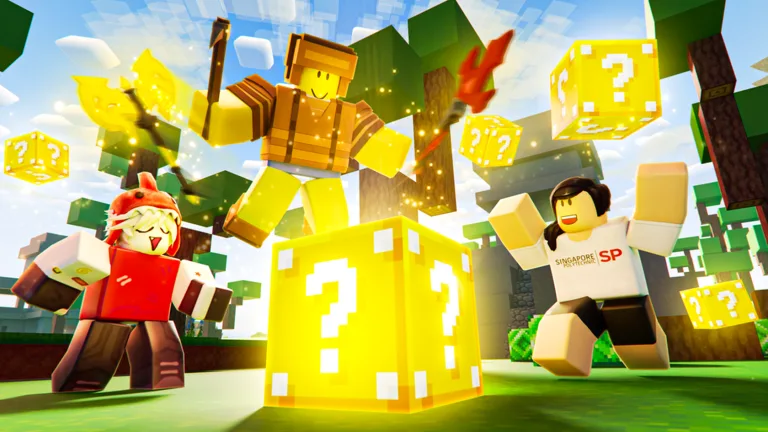
Kit Tier List
Explore the definitive Roblox BedWars kit tier list for Season 17. Find the best meta picks, counter-strategies, and role rankings to climb competitive lobbies.
Read moreVoid Knight Kit
Learn how to effectively use the Void Knight kit in Roblox BedWars, including its transformation stages, resource management, and combat strategies.
Read more
What is BedWars?
BedWars is a competitive Roblox game developed by Easy.gg. Teams defend their beds and attack rival islands in matches built around combat and strategy.
Kits offer different abilities and playstyles. Alternative modes and Creative tools give players more ways to play beyond standard bed battles.
Browse guides- Visits
- 11.75B+
- Favorites
- 4.63M+
- Controls
- PC and Mobile
- Platforms
- Roblox
- Genres
- Team PvP Strategy
- Modes
- Multiplayer
- Developer
- Easy.gg
Latest Updates
Start Here
- 1
Beginner Guide
Learn the lobby, controls and match objectives, then follow a practical plan for your first games.
- 2
Resources & Team Upgrades
Understand what to collect, what to buy first and how to balance equipment with upgrades for your team.
- 3
Kit Guide
Explore kit abilities and find a playstyle that suits how you want to contribute to your squad.
- 4
Bed Defense & Bridging
Practice protecting your bed, moving between islands and choosing the right moment to attack.
BedWars Wiki Hub
Eight guides that take you from your first lobby visit to kits, bed defense and game modes.
Explore the wiki
Guides
Practical BedWars guides: play your first match, master generators and items, drop loot, run custom matches and survive Lucky Block.
Kits
Every BedWars kit in one place: abilities, tier rankings, fusion combos, free rotations and which kits are worth Bed Coins.
Combat
Win more fights: layered bed defense, the best enchantments, essential items and PvP technique compared.
Progression
Climb in BedWars: the ranked system, Nightmare rank, player levels, Battle Pass rewards, Bed Coins, badges and clans.
Cosmetics
Collect and level BedWars cosmetics: seasonal Halloween skins, sword skins, armor trims and specific items like the Short Pixel Sword.
World
BedWars maps and bosses: build custom maps with WorldEdit tools and learn how the Bhaa and Spirit Titan bosses work.
Media
Create better BedWars content: a step-by-step guide to professional Roblox thumbnails.
Support
Fix common BedWars problems: profile load errors, rejoining matches, playing on Chromebooks, finding teammates and official support channels.
BedWars Kit Guide
Compare BedWars kits by their core abilities, movement options, and resource advantages. Learn how each kit changes your match strategy before choosing one to equip.
Yuzi
Uses Dao swords with a charged dash that combines movement and attacking.
Eldertree
Collects Tree Orbs around the map to increase health and grow in size.
Metal Detector
Uses a detector to locate treasure containing resources such as iron, diamonds, and emeralds.
BedWars Beginner Guide
Learn the essential BedWars match loop, from joining a game to securing your first win. Follow a clear introduction to protecting your bed, collecting resources, buying equipment, and eliminating enemy teams.
Join a match
Press Play in the lobby to find a match.
Defend your bed
Protect your team's bed; losing it removes your ability to respawn.
Collect and spend resources
Gather resources and spend them on items and team upgrades.
Break beds to win
Destroy enemy beds, then eliminate the remaining opponents to win.
BedWars Enchantments Guide
Understand how BedWars enchantments change your damage and combat options. Compare their core effects when choosing an enchantment for your kit and team strategy.
Fire
Applies burning damage that continues after the initial hit.
Static
Damages nearby grouped enemies and disrupts healing.
Execute
Finishes enemies when a hit meets the enchantment's low-health execution condition.
Critical Strike
Adds a chance for attacks to deal critical damage.
BedWars Creative Commands
Find the WorldEdit commands used to build and edit BedWars Creative maps. Learn how to obtain the editing wand, select regions, fill blocks, and reverse editing mistakes.
| Command | What it does |
|---|---|
| //wand | Obtains a World Edit Wand; /i world_edit_wand is another documented option. |
| /gm 1 | Enters Creative mode and automatically provides a World Edit Wand. |
| //pos1 and //pos2 | Sets the two corners of the region you want to edit. |
| //set <blockType> | Fills the selected region with the specified block type. |
| //undo and //redo | Undoes the last WorldEdit action or restores the last undone action. |
BedWars Bed Defense Guide
Learn how common BedWars defense blocks interact with the tools used to break them. Plan your bed covering around the materials you can afford and the attacks your opponents bring.
Wool
Used for quick bed covering and bridges; shears break wool faster.
Wood
Adds another material to a layered defense; axes break wooden blocks faster.
Stone
Provides a stone-based defense layer that attackers can break with pickaxes.
Obsidian
A durable bed-defense material purchased with emeralds.
BedWars Resources and Team Upgrades
Understand the different jobs of iron, diamonds, and emeralds in BedWars. Learn where these resources come from and how to balance equipment purchases with upgrades that benefit your team.
| Resource | Collected from | Spent on |
|---|---|---|
| Iron | Collected from the base generator and spent on basic supplies such as wool and early equipment. | Basic supplies such as wool and early equipment |
| Diamonds | Collected from diamond generators and used for team upgrades. | Team upgrades |
| Emeralds | Collected from emerald generators and spent on advanced equipment and utility items. | Advanced equipment and utility items |
| Team Upgrades | Purchases from the Team Upgrade Shop provide benefits shared by your team. | Benefits shared by your whole team |
BedWars Weapons and Items
Explore the weapons, armor, and tools that make up a BedWars loadout. Compare the main equipment categories so you can prepare for combat, ranged pressure, and breaking enemy defenses.
Swords
Standard sword materials include wood, stone, iron, diamond, and emerald.
Armor
Equipment includes leather, iron, diamond, and emerald armor sets.
Ranged Weapons
Bows and crossbows provide ranged combat options using arrows.
Tools
Axes, pickaxes, and shears serve different block-breaking purposes.
BedWars Game Modes
Explore the different ways to play beyond a standard BedWars match. The official experience advertises more than 10 modes, including Lucky Block, SkyWars, and Infected, plus Creative games with optional scripting.
BedWars
Protect your bed to preserve respawns while destroying enemy beds and eliminating opponents.
Lucky Block
An officially listed alternate mode featuring Lucky Blocks and special items.
Creative
Build your own games and maps, with scripting available for custom gameplay.
Creative Sandbox
A Creative game-mode option with no beds and no default win condition.
BedWars FAQ
Common questions about Roblox BedWars, answered for new players, returning teammates and Creative mode builders.
How do you win a standard BedWars match?
Destroy opposing beds and eliminate the enemy players while defending your own bed.
What happens when your bed is destroyed in BedWars?
You can keep fighting, but you lose the ability to respawn. If you die afterward in a standard match, you are eliminated.
Can you play BedWars on mobile and customize the controls?
Yes. BedWars includes mobile controls with adjustable button positions and sizes. PC players can also customize hotkeys in the settings menu.
Which game modes does Roblox BedWars offer?
The developer lists 10+ modes, including Bed Wars, Lucky Block, SkyWars and Infected. Check the in-game menu for the queues currently available.
When does Roblox BedWars receive updates?
The developer currently advertises Friday updates at 3 p.m. PDT or 6 p.m. EDT. Check each official announcement for release timing, especially around daylight-saving changes.
Can you build custom games in BedWars Creative mode?
Yes. BedWars Creative supports custom games. Hosts can also use the Host Panel to create and run scripts for their creative matches.
Is Airship on Steam the same BedWars game as Roblox?
No. Easy.gg's Steam app is Airship, a separate multiplayer game platform. Use the Roblox listing with Place ID 6872265039 for the BedWars experience covered here.
Ready to Master BedWars?
Build your match plan, explore kit choices and learn how to keep your team in the fight.