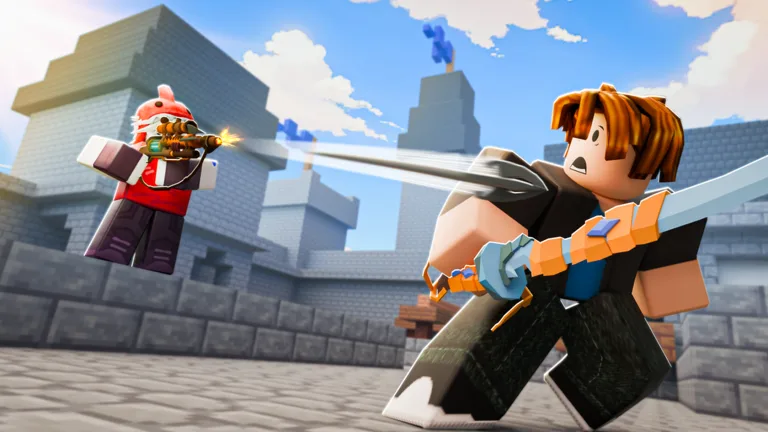
How to Play BedWars on Roblox: A Comprehensive Beginner's Guide
Master the basics of BedWars on Roblox with our expert guide. Learn essential gameplay mechanics, pro tips for resource management, and combat strategies to win.
Published: BedWars Wiki Editorial Team
Video Guide
How to Play BedWars - A Guide for NoobsTable of Contents
Getting Started with BedWars
BedWars is a fast-paced competitive game on Roblox developed by Easy.gg where team coordination and quick decision-making are paramount. Your primary goal is to guard your team’s bed at all costs; once the bed is destroyed, your team loses the ability to respawn, leaving you vulnerable to final elimination.
To begin, navigate to the official BedWars game page on the Roblox platform. From the lobby, simply click the "Play" button to be matched into a game. Whether you are a newcomer or looking to sharpen your skills, understanding the fundamental mechanics of resource gathering and bed defense is the first step toward achieving a win streak.
Essential Gameplay Mechanics and Controls
Success in BedWars relies heavily on your ability to manage your character efficiently. PC players should immediately head to the settings menu to customize their hotkeys. Mapping inventory slots 6, 7, and 8 to keys closer to your movement controls (WASD) can significantly increase your reaction time during intense PVP encounters.
Tip
Maximize Your View: According to community experience, setting your Field of View (FOV) to the maximum in settings provides better situational awareness, allowing you to spot incoming threats much faster.
Other vital controls include:
[Shift]: Sprinting is essential for traversing the map and rushing enemy islands.
[Ctrl]: Use this to lock your camera, which helps in precise building and combat.
[H]: Quickly drop items to teammates or store them in a personal chest to avoid losing resources upon death.
Resource Management and Combat Strategy
One of the most common mistakes beginners make is holding onto too many resources while rushing. Pro players suggest keeping your inventory clear by depositing iron and emeralds into your personal chest before engaging in a fight. This ensures that even if you are defeated, the opponent gains no resources from you.
In combat, avoid simply clicking as fast as possible. Community reports suggest that a controlled clicking speed—around 8 CPS—is often more effective for landing consistent combos. Additionally, mastering the healing system is crucial; remember that you regenerate health after 7 seconds of not taking damage. If you are low on HP, prioritize retreating and using snowballs or projectiles to interrupt your enemy's regeneration while you recover.
Advanced Tips for Victory
To elevate your gameplay, consider these advanced tactics shared by experienced players:
PVP Perspective: High-level players frequently switch between first-person and third-person views. Third-person is generally superior for sword fighting due to a wider field of vision, while first-person offers better precision for placing blocks and building bridges.
Fall Damage Mitigation: If you find yourself at the height limit with no blocks, you can use a fireball to break your fall or, in some cases, utilize specific emotes or wall-hopping techniques to survive drops that would otherwise be fatal.
Aiming Mechanics: When sword fighting, keep your crosshair directly on the opponent. This "aiming" technique, often utilized in shift-lock mode, can help you maintain range and land more hits during fast-paced encounters.
FAQ
How can I reduce lag in BedWars?
To optimize performance, adjust your graphics settings within Roblox to a lower level (between 3 and 6 bars). Additionally, disabling the chat in privacy settings can reduce distractions and potential performance hits caused by toxic interactions.
What is the best way to defend a bed?
Instead of just using standard wool, look for ways to layer your defenses. Some players use specific kits or items like the "Boro head" (or equivalent skins) to move faster while blocking in, making it harder for enemies to surprise you. Always be aware of your surroundings and use your bow to knock off TNT placed by enemies.